
📱 Mobile App Overview
KitchenAsty includes a customer-facing mobile app built with Expo (React Native). This guide walks you through everything needed to build the app and publish it to the Apple App Store and Google Play Store.
🎯 What the Mobile App Does
The mobile app gives your customers a native experience on their phones:
- 🍔 Browse your menu with categories and search
- 🛒 Add items to cart with customizations (sizes, toppings, etc.)
- 📦 Place orders for delivery or pickup
- 💳 Pay with Stripe, PayPal, or cash
- 📍 Track order status in real-time
- 📅 Make table reservations
- 🔔 Receive push notifications when their order is ready
- 📜 View order history
- 🔑 Sign in with email or social login (Google, Facebook)
- 🌍 Switch between 6 languages
App Screenshots
| Home | Menu | Item Detail |
|---|---|---|
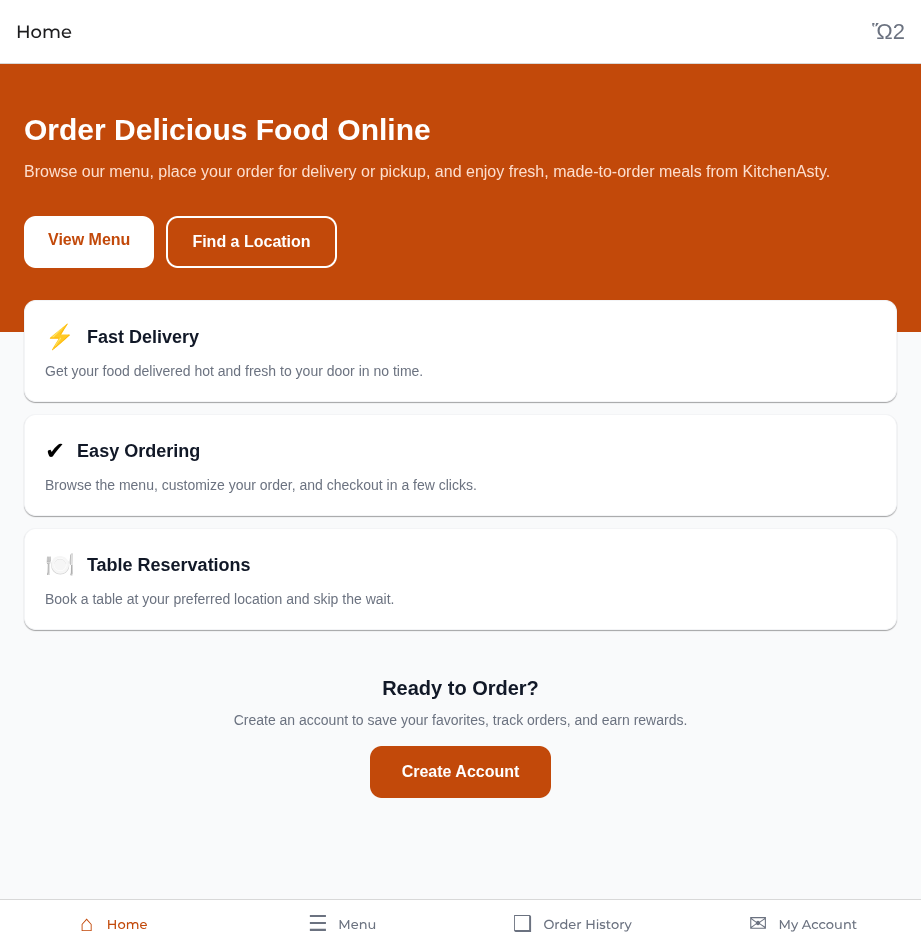 | 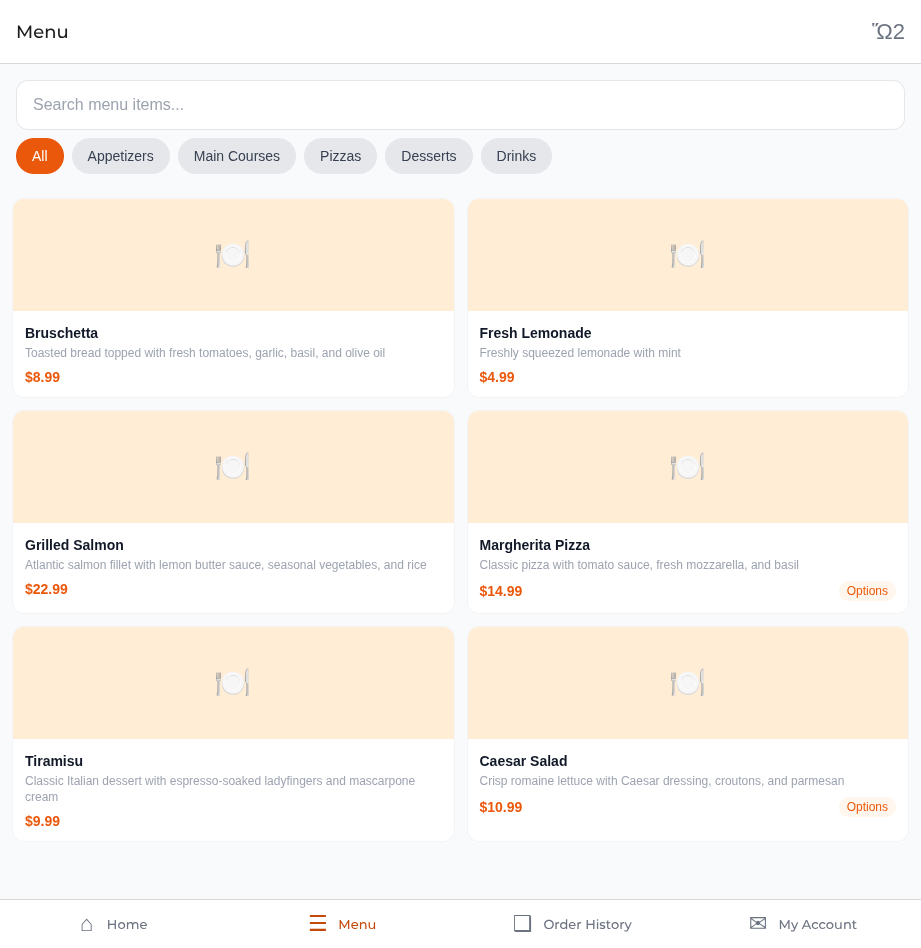 | 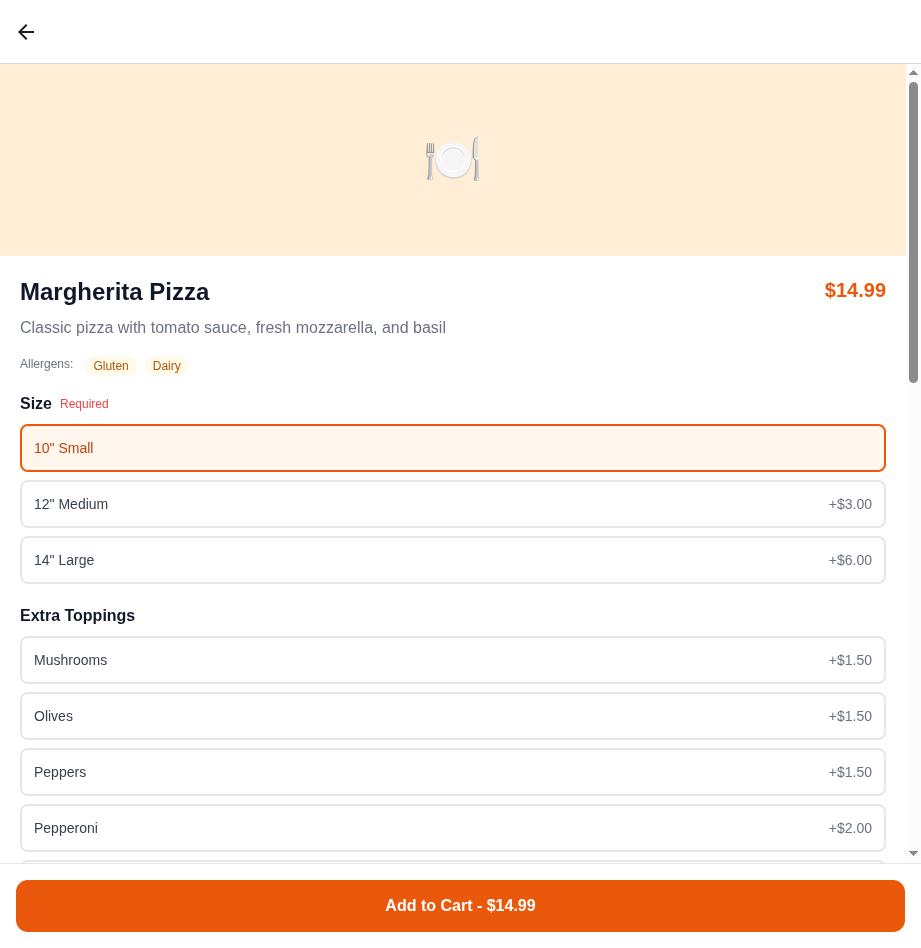 |
| Login | Locations |
|---|---|
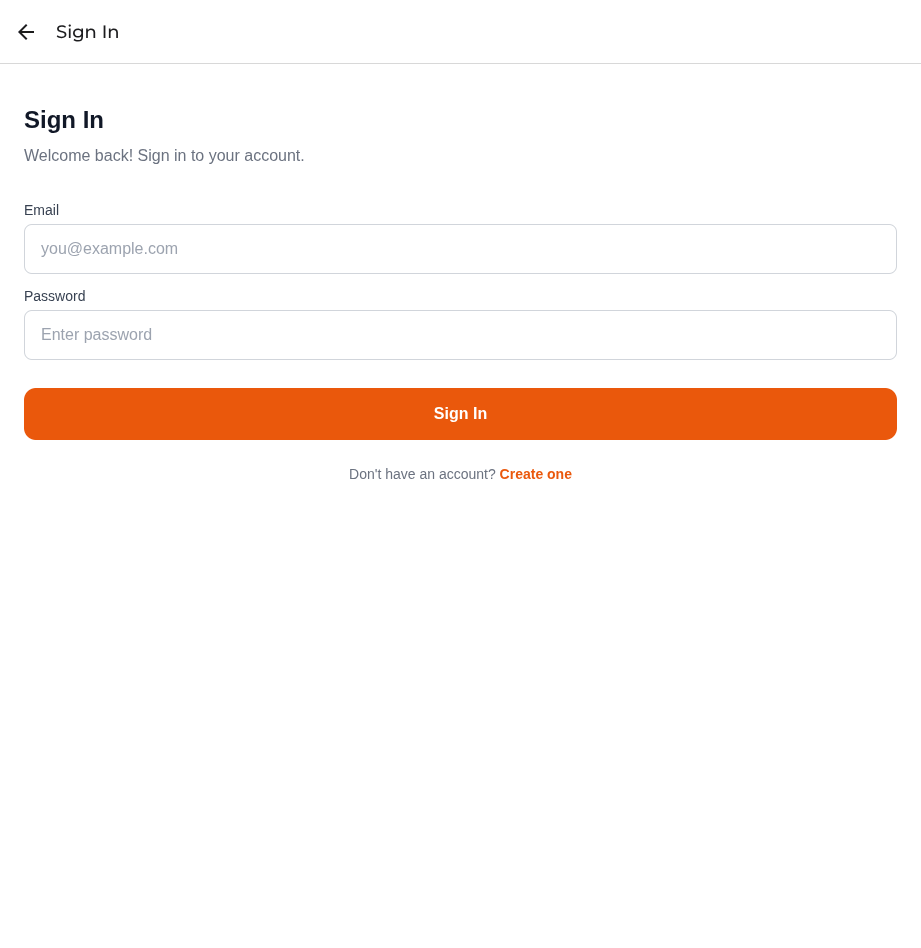 | 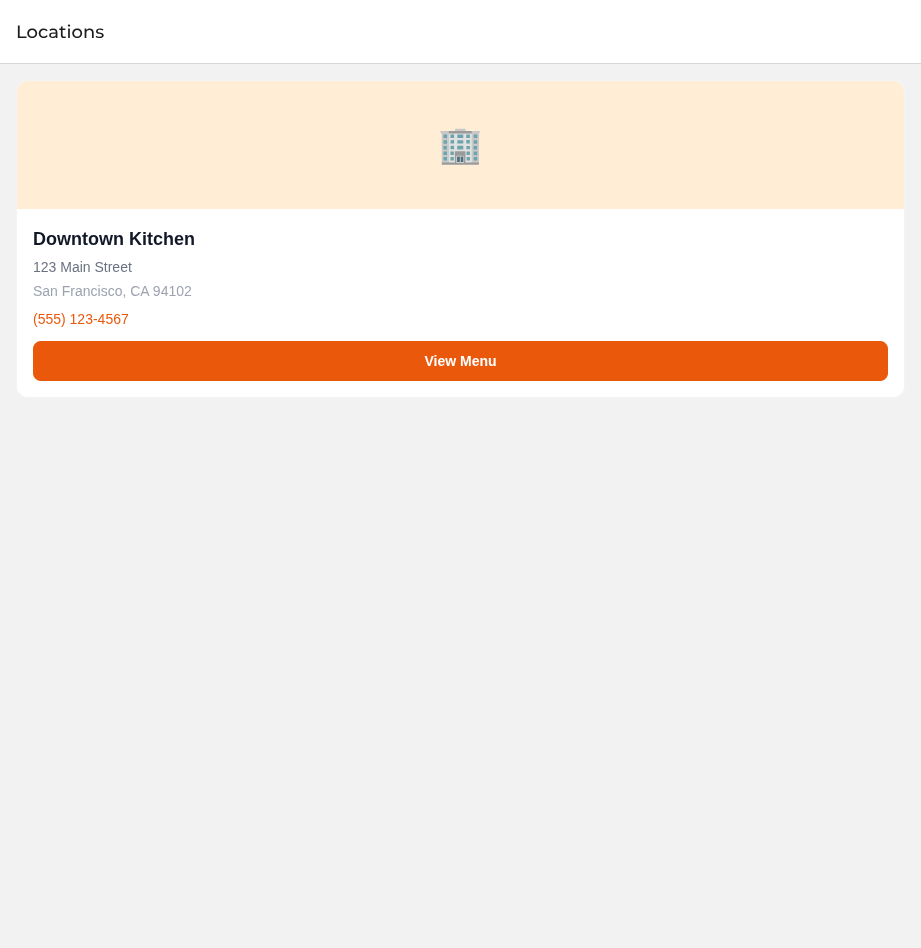 |
📋 Prerequisites
Before starting, you need:
- 🖥️ Your KitchenAsty server running and accessible via HTTPS (see Self-Hosting Guide)
- 💻 A computer (Mac, Windows, or Linux) for development
- 🟢 Node.js 22 or later installed
- 🔧 Basic familiarity with running terminal commands
🍎 Mac Required for iOS
To build the iOS app for the App Store, you need a Mac computer (or access to one). Android builds can be done from any operating system. Alternatively, you can use Expo's cloud build service (EAS Build) to build for both platforms without a Mac.
📖 Guide Structure
Follow these pages in order:
- 🏢 Developer Accounts — Register for Apple and Google developer programs
- ⚙️ App Configuration — Customize the app with your branding, API URL, and keys
- 🧪 Local Development — Run the app locally for testing
- 🏗️ EAS Build Setup — Configure Expo Application Services for cloud builds
- 🤖 Building for Android — Build, sign, and upload to Google Play
- 🍎 Building for iOS — Build, sign, and upload to the App Store
- 🏪 Store Listings — Write descriptions, prepare screenshots, and submit for review
- 🔔 Push Notifications — Set up push notification credentials
- 🔄 Updates & Maintenance — Publish updates after the app is live
💰 Cost Summary
| Item | Cost | Frequency |
|---|---|---|
| 🍎 Apple Developer Program | $99 USD | Annual |
| 🤖 Google Play Developer Account | $25 USD | One-time |
| 🏗️ EAS Build (Expo) | Free tier: 30 builds/month | — |
| 📦 Expo account | Free | — |
Total first-year cost: approximately $124 USD.