
⚡ Automation
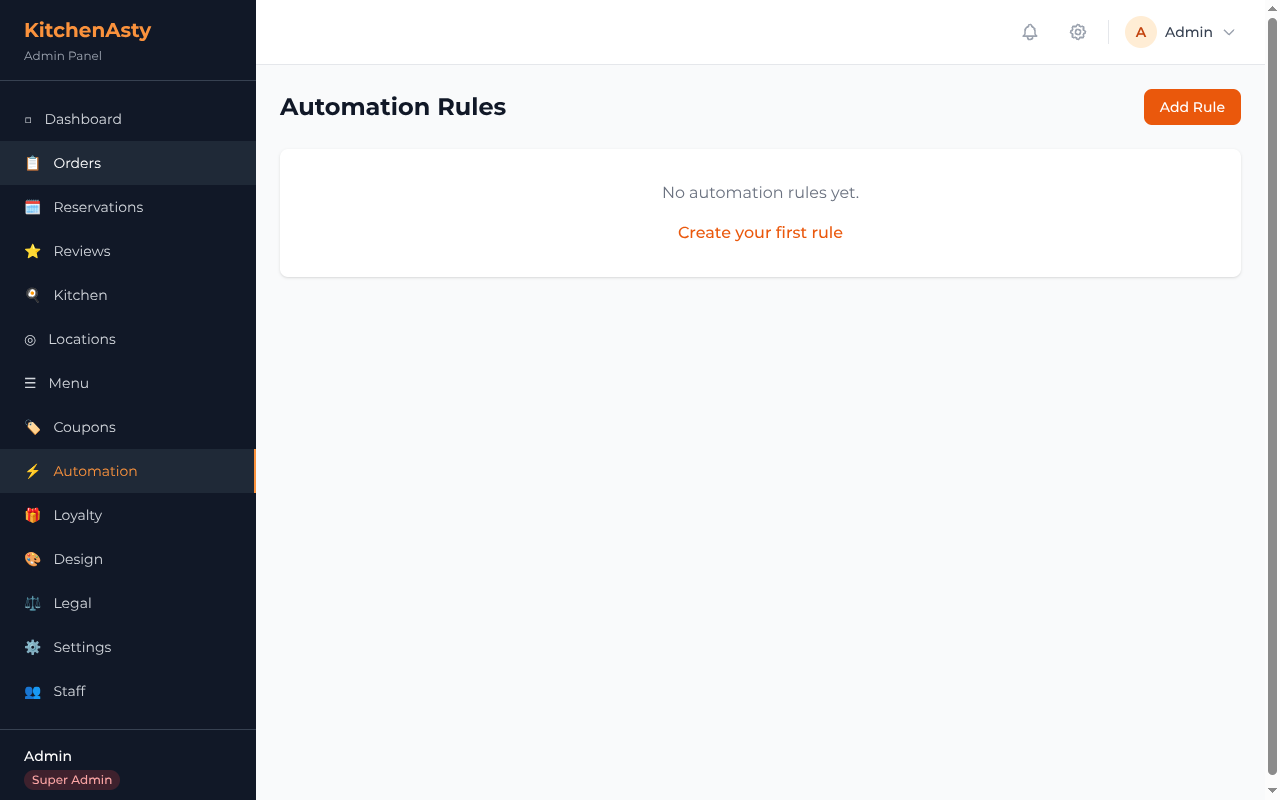
KitchenAsty's automation system lets you create event-driven rules that trigger actions like sending emails, calling webhooks, or sending SMS messages.
⚙️ How It Works
- 🎯 An event fires (e.g., a new order is created)
- 🔍 The automation engine loads all active rules matching that event
- ✅ Each rule's conditions are evaluated against the event data
- 🚀 If conditions match, the rule's actions are executed
📡 Events
| Event | Trigger |
|---|---|
order.created | 🛒 New order placed |
order.statusChanged | 🔄 Order status updated |
reservation.created | 🪑 New reservation submitted |
review.submitted | ⭐ New review submitted |
🔍 Conditions
Conditions are a JSON object that is matched against the event data. All specified conditions must match (AND logic).
json
{
  "status": "CONFIRMED"
}
Nested conditions are supported using dot notation:
json
{
  "order.status": "READY",
  "order.orderType": "DELIVERY"
}
Set conditions to null to match all events of that type.
🎬 Actions
Actions are a JSON array of operations to perform:
json
[
  {
    "type": "email",
    "template": "orderConfirmation",
    "to": "customer"
  }
]
🔧 Action Types
| Type | Description |
|---|---|
email | 📧 Send an email using SMTP |
webhook | 🔗 POST event data to a URL |
sms | 💬 Send an SMS message |
📝 Template Variables
Actions support template variables that are replaced at execution time:
| Variable | Description |
|---|---|
{{customer.name}} | 👤 Customer name |
{{customer.email}} | 📧 Customer email |
{{order.orderNumber}} | 🔢 Order number |
{{order.total}} | 💰 Order total |
{{order.status}} | 🔄 Order status |
{{location.name}} | 📍 Location name |
{{reservation.date}} | 📅 Reservation date |
{{reservation.time}} | 🕐 Reservation time |
💡 Examples
📧 Send email on order confirmation
json
{
  "name": "Order Confirmation Email",
  "event": "order.statusChanged",
  "conditions": { "status": "CONFIRMED" },
  "actions": [
    {
      "type": "email",
      "template": "orderConfirmation",
      "to": "customer",
      "subject": "Your order #{{order.orderNumber}} is confirmed"
    }
  ],
  "isActive": true
}
🔗 Webhook on new order
json
{
  "name": "New Order Webhook",
  "event": "order.created",
  "conditions": null,
  "actions": [
    {
      "type": "webhook",
      "url": "https://hooks.example.com/new-order",
      "method": "POST"
    }
  ],
  "isActive": true
}
💬 SMS when order is ready
json
{
  "name": "Order Ready SMS",
  "event": "order.statusChanged",
  "conditions": { "status": "READY" },
  "actions": [
    {
      "type": "sms",
      "to": "customer",
      "message": "Your order #{{order.orderNumber}} is ready for pickup!"
    }
  ],
  "isActive": true
}
🔐 Permissions
| Action | Who Can Do It |
|---|---|
| 📋 List/view automation rules | Manager, Super Admin |
| ✏️ Create/update rules | Manager, Super Admin |
| 🗑️ Delete rules | Super Admin |
📡 API
See Automation API for the complete endpoint reference.